DocsVidNext API
VidNext API
Make videos from your own code, automations or AI agent — a REST API and an MCP server with one key.
The VidNext API makes the same videos you make on the Create page — the same pipeline, the same quality, the same price — from outside the app. Send a prompt (and your own narration if you like), and the video joins your account's line; when it's ready you get the video, its thumbnails and its YouTube text.
There are two ways in, with the same settings and the same results list:
| For | How | |
|---|---|---|
| REST API | Your code, n8n, Make, Zapier, your agent's backend | https://api.vidnext.ai/v1 — exact control, webhooks, safe retries |
| MCP server | AI agents: Claude Code, Claude Desktop, Cursor, VS Code, n8n's AI Agent | https://api.vidnext.ai/mcp — the agent finds the tools and the choices by itself |
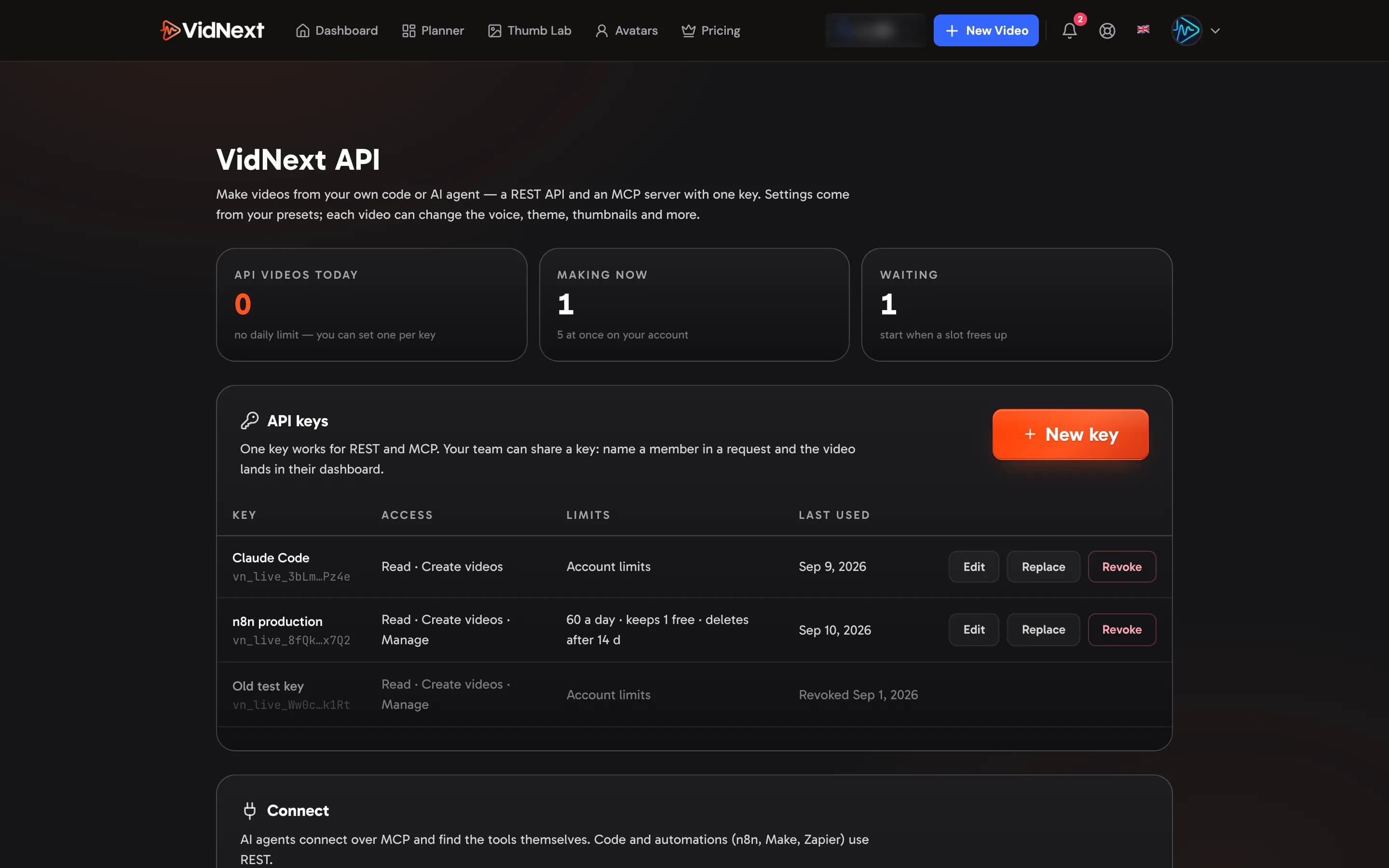
The API comes with the Studio and Enterprise plans. On another plan, write to support to turn it on for your account. With it you get Settings → VidNext API Show me in the app ↗ for keys, webhooks and the request builder.
How it works
- Create a key in Settings → VidNext API — see Keys and permissions.
- Choose the settings. Save them in a preset on the Create page, then name the preset in each request; change anything per video (voice, theme, thumbnails, captions, music, length…). See Choose settings.
- Create the video. It's accepted at once and waits for a free videos-at-once slot — see Create a video.
- Get the result by webhook or by checking its status — see Results and Webhooks.
Every video also appears in your dashboard (or the team member's you named) like any other, so you can open it, edit it or redo a step there.