DocsEditor
Captions & styles
Caption styles, text overlays, chapter headings, and the design library.
Everything text and design in a VidNext video is styleable — during creation via style packs, and afterwards per-element in the editor.
Captions
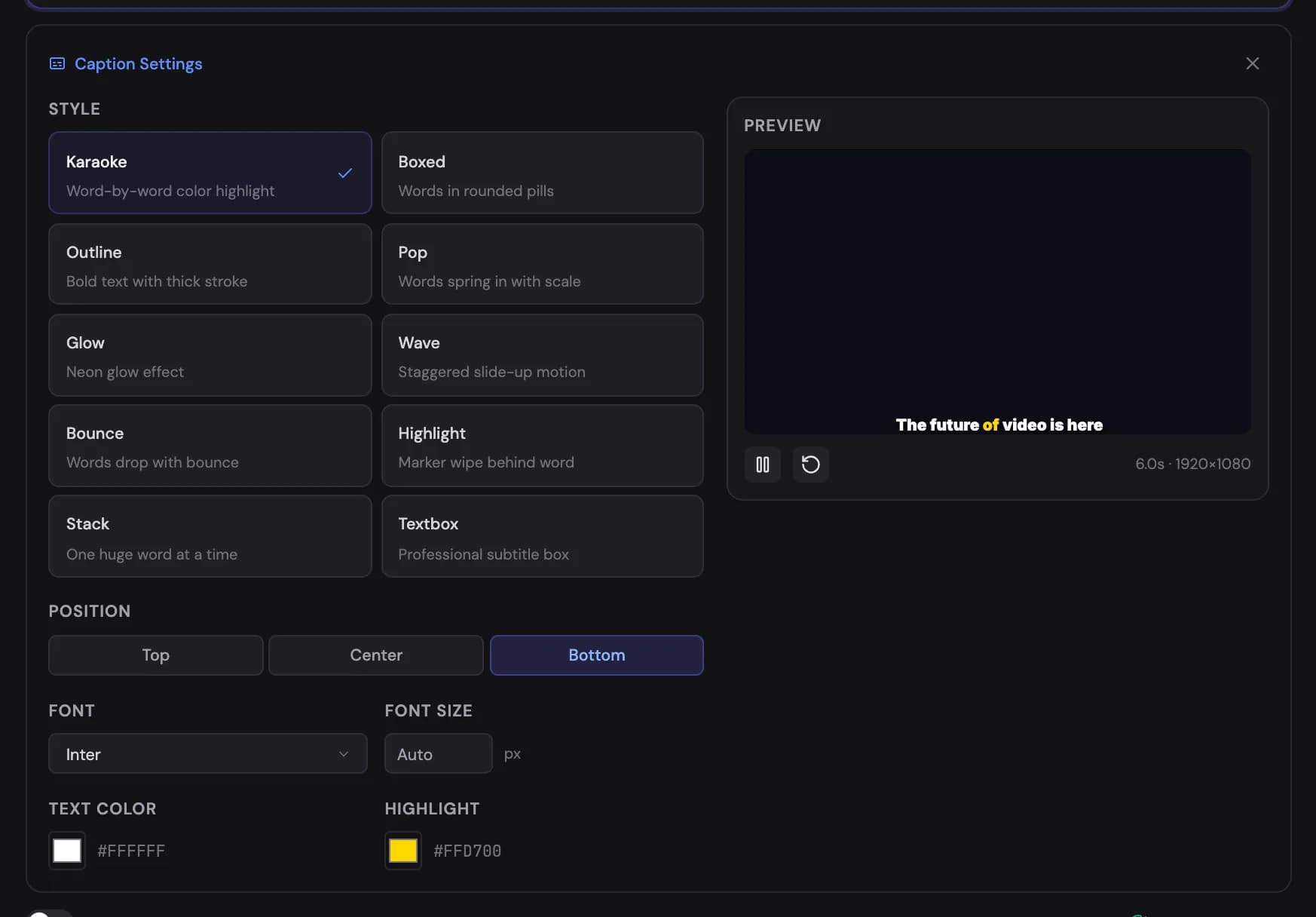
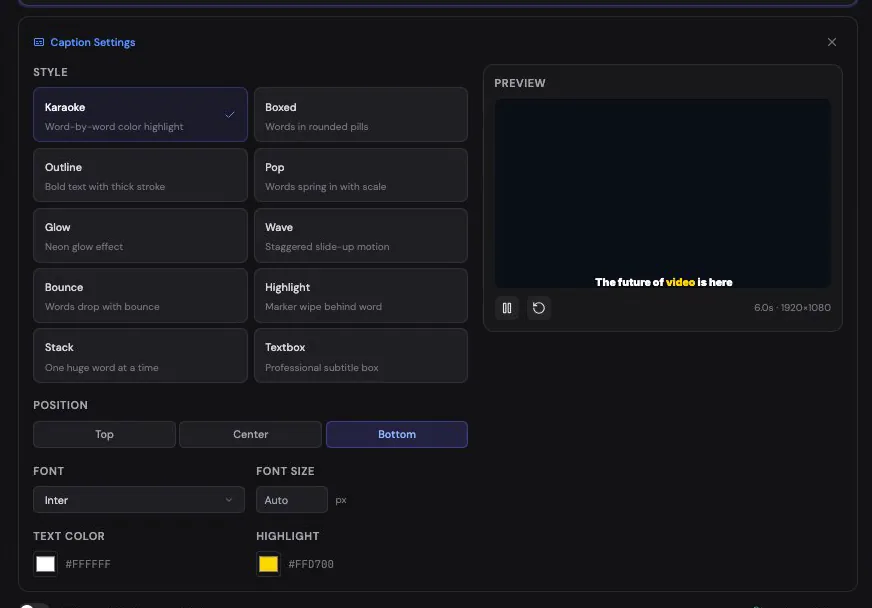
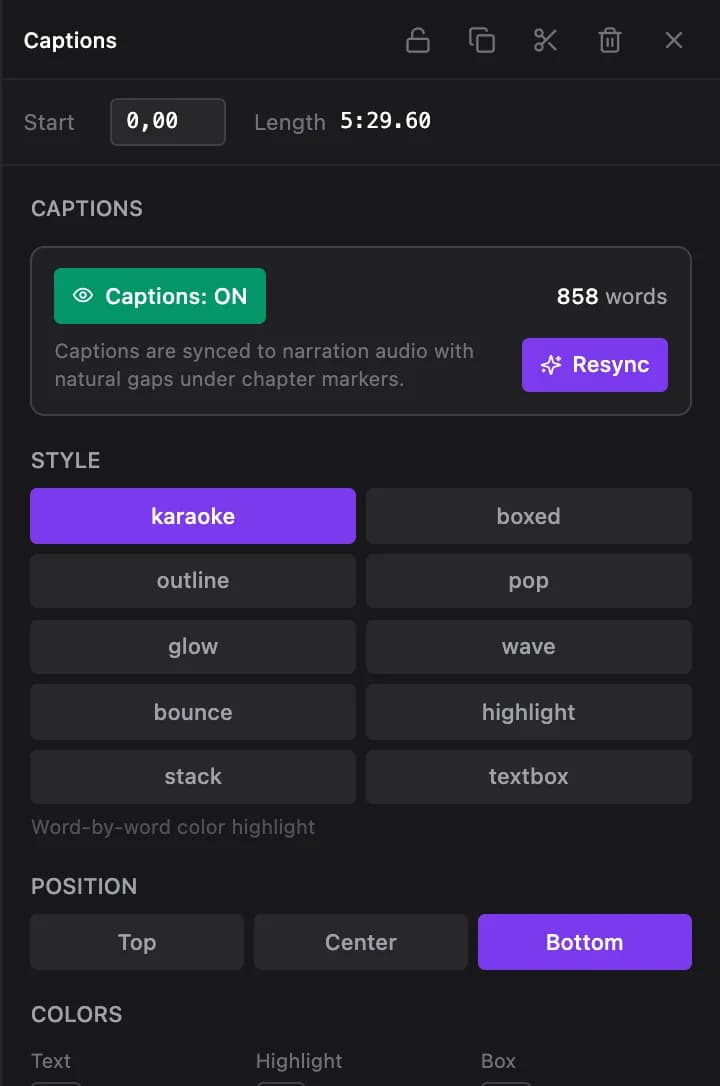
Captions are generated from the narration with per-word timing. Ten styles Show me in the app ↗ are available:
Karaoke (word-by-word color highlight) · Boxed (each word in a rounded pill) · Outline (bold text with a thick stroke) · Pop (words spring in with scale) · Glow (neon glow) · Wave (words slide up with stagger) · Bounce (words drop from the top) · Highlight (marker wipe behind the active word) · Stack (one word at a time, huge) · Textbox (professional subtitle box)
Beyond style, you control position Show me in the app ↗ (top, center, bottom), colors (text, highlight, box and box opacity), and font size. If you've edited narration, Resync Show me in the app ↗ regenerates caption timing to match the new audio.
When a scene is shown as a text card that types what your narrator is saying, the captions skip those words while the card is on screen, so each word appears once, on the card, whichever position you chose. Replace or delete the card and its captions come back by themselves.
Text overlays
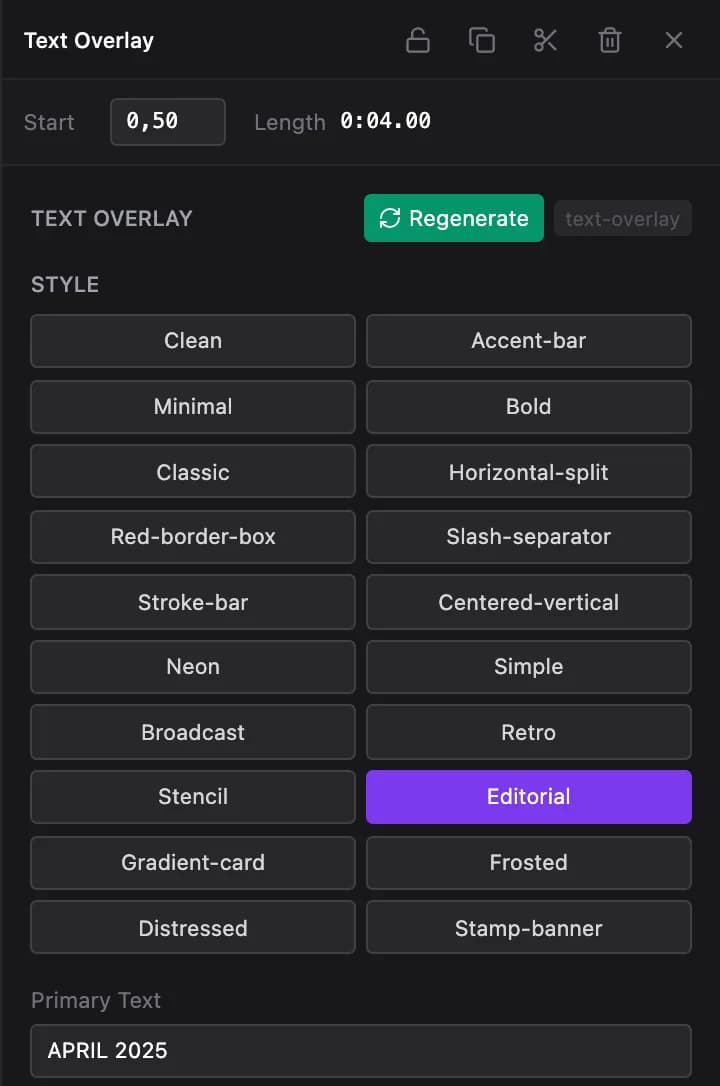
Overlays carry names, dates, statistics, quotes, facts, locations, sources, comparisons, and callouts. A text overlay is a motion-design template: select it on the Overlays track and its panel Show me in the app ↗ shows the template's style variants Show me in the app ↗ and its text, size and position, previewed live as you edit; Regenerate Show me in the app ↗ rebuilds it from the video plan. Videos made before the template system show the older panel instead — a design template Show me in the app ↗, one of nine positions, an optional contrast background for readability, and advanced styling (font, color, background, alignment) with presets Show me in the app ↗ — Default, Bold Title, Subtitle, Accent, Warning.
An overlay only appears on a scene that lasts at least 4 seconds, and it stays on screen for at least 2.5 seconds: when the narrator reaches the fact late in a scene, the overlay opens a little earlier instead of blinking, and one that could not get that much time is left out. Shorts keep their own, faster overlay timing.
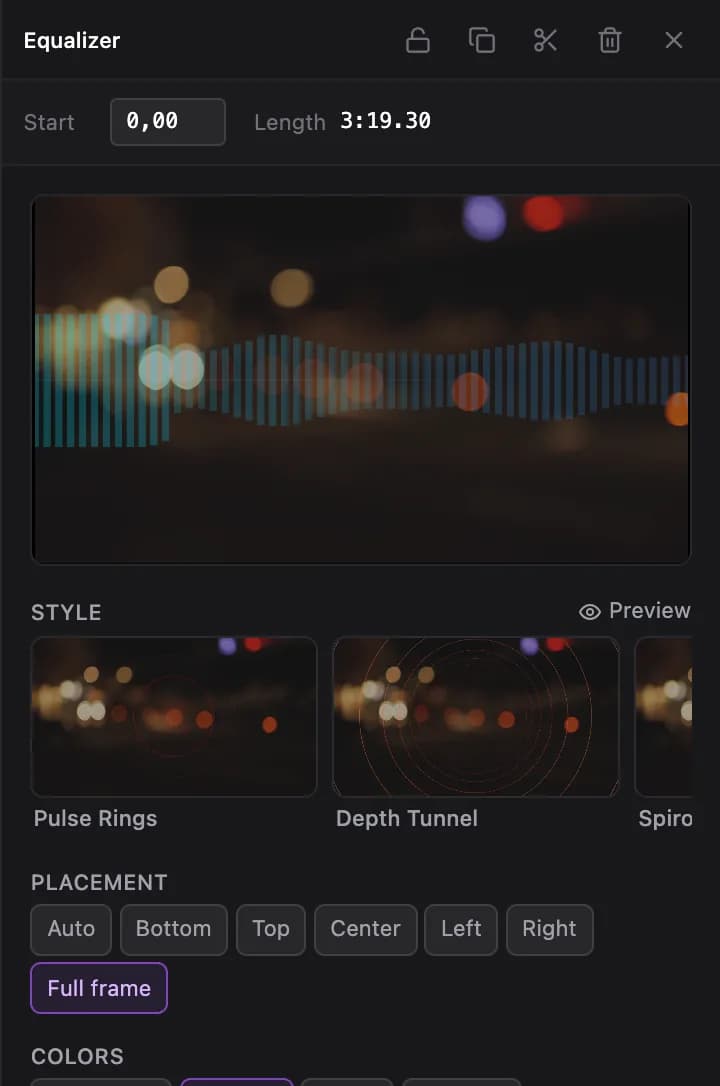
Music videos also carry the Equalizer, Lyrics and Title card overlays, each on its own row so all three stay clickable: the equalizer on the Graphics track, the lyrics on the Overlays track and the title card on the Effects track. A track's eye icon hides that overlay in the preview and in exports, which is the quickest way to switch one off without deleting it. The equalizer and lyrics always span the whole song (they can't be split or trimmed); select one to change its style Show me in the app ↗, colours, placement, intensity, glow, opacity or the shared footage dim, or delete it to remove the overlay. The lyrics element also has a Lyrics & timing list Show me in the app ↗: edit any word or line in place, press Enter to split a line or Backspace at its start to join it with the line above, jump the playhead to a line, start a line or a single word at the playhead, or open a line's word timings to set exact start and end seconds with 0.1 s nudges. The preview and the export use exactly these words and times. If you replace the song in the editor, the overlays keep following the original song — re-generate the video to sync them.
Motion-design templates
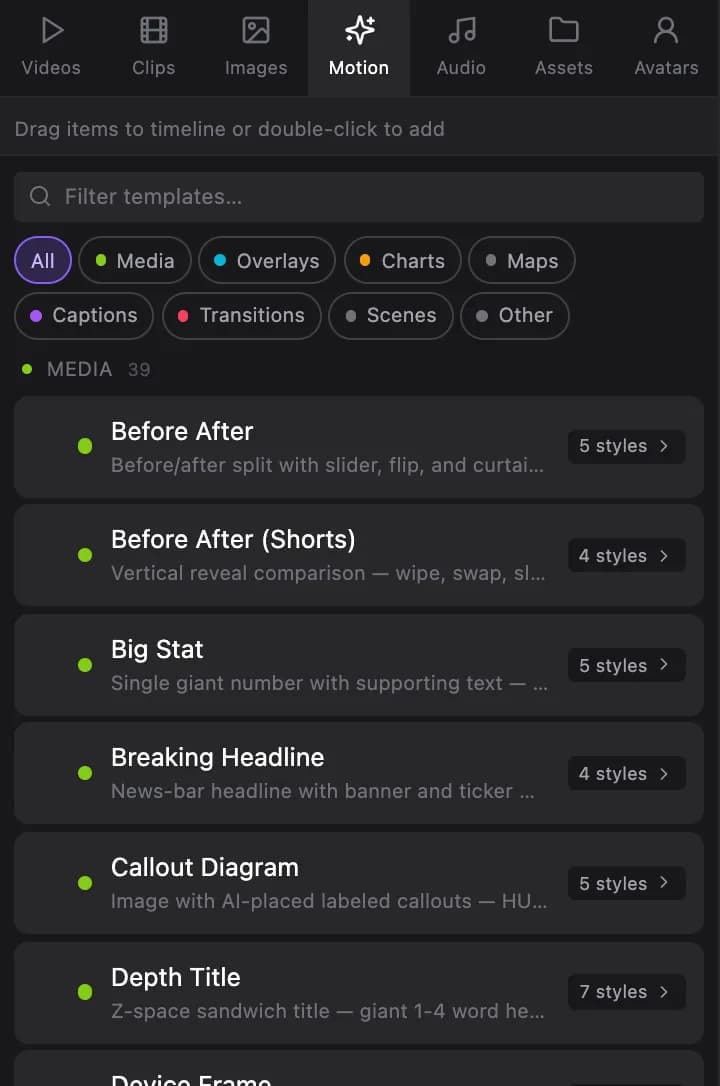
Chapter headings, stat cards, ranking panels, charts, timelines, quote cards, versus panels and the other motion-design scenes are templates. Select one on the Graphics track and its panel Show me in the app ↗ shows the template's style variants Show me in the app ↗ and every value it renders — titles, numbers, labels, colours — editable in place and previewed live. Regenerate Show me in the app ↗ re-creates the element from the video plan.
A Callout Diagram scene points each callout at the part of the picture it names. When the picture already carries its own labels (a labelled diagram, schematic, infographic or how-to sheet) in your video's language, the scene shows the picture whole instead, with no callouts, title or text plates over it. The Plain Picture switch in its panel turns this look on or off.
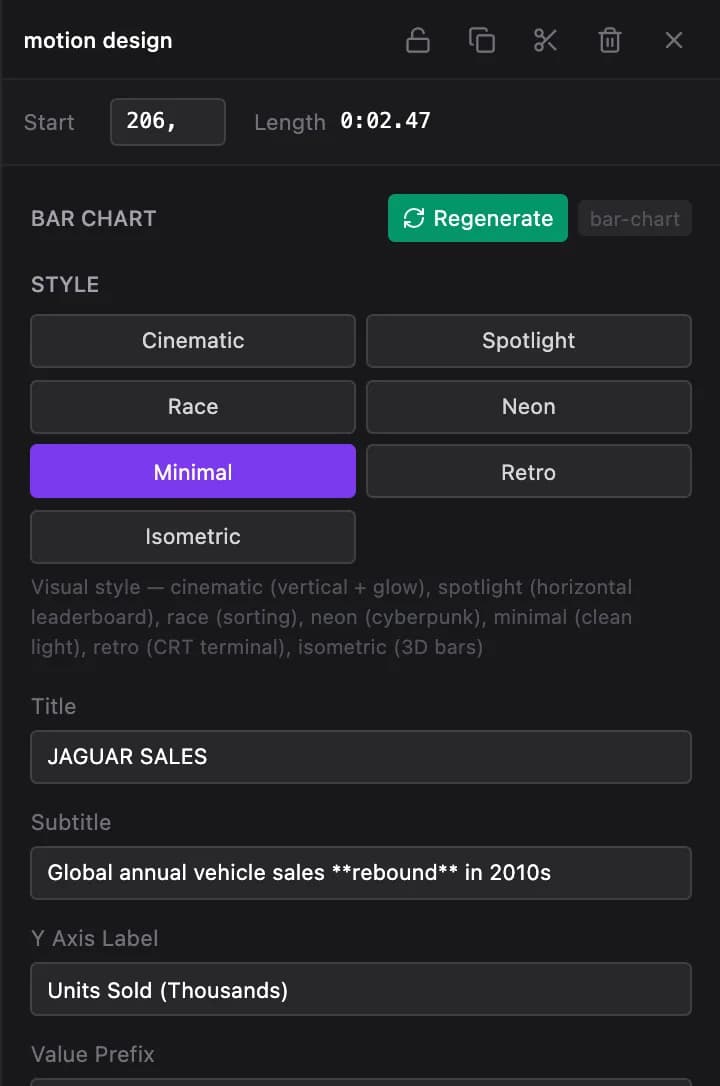
Videos made before the template system have separate panels for their chapter headings Show me in the app ↗ (six styles, editable title, subtitle and accent colours), ranking panels Show me in the app ↗ (badge styles, rank colours, position, animation) and infographics Show me in the app ↗ (chart type, data points, colours, optional AI background), each with its own Regenerate Show me in the app ↗.
The design library
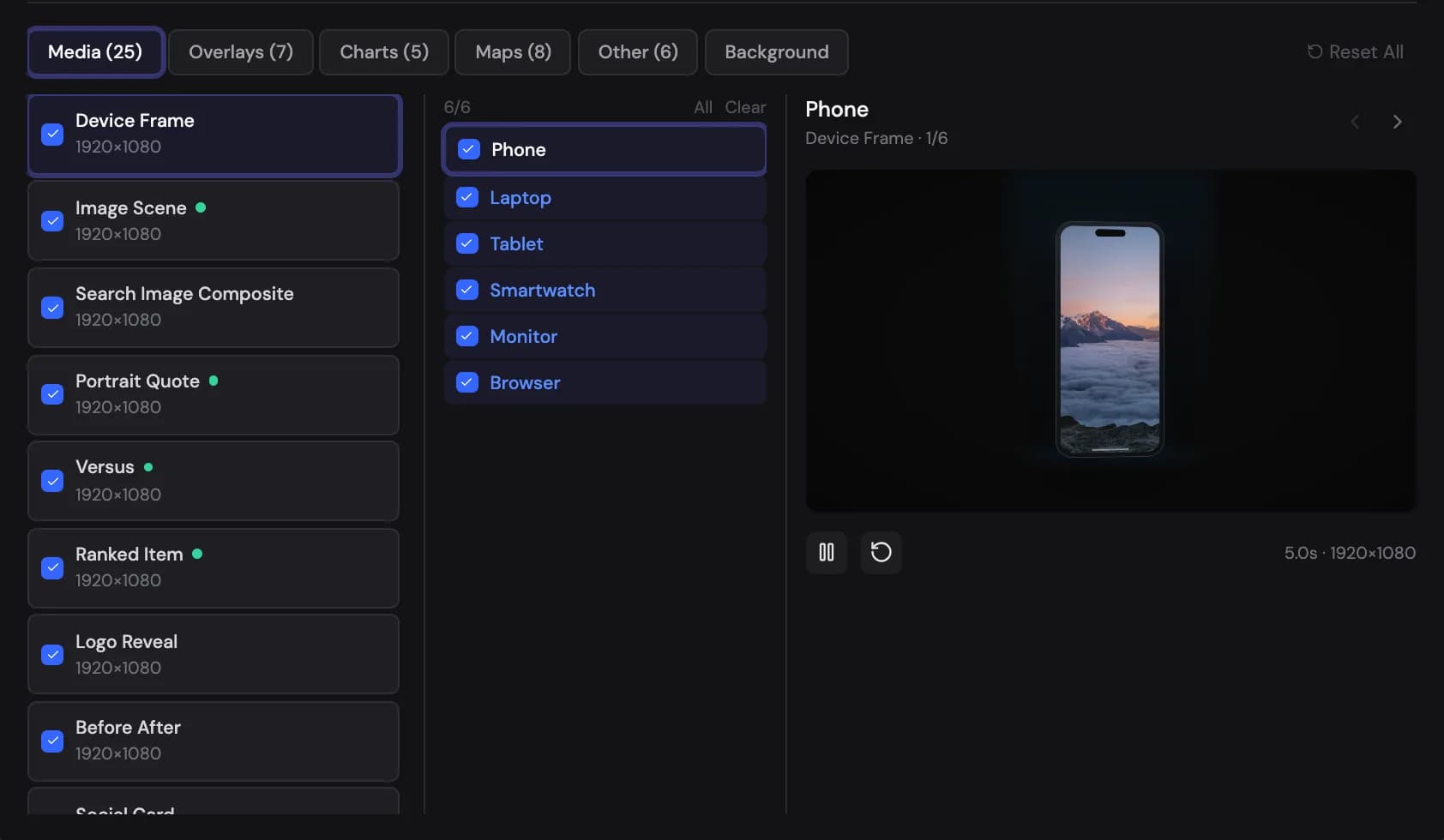
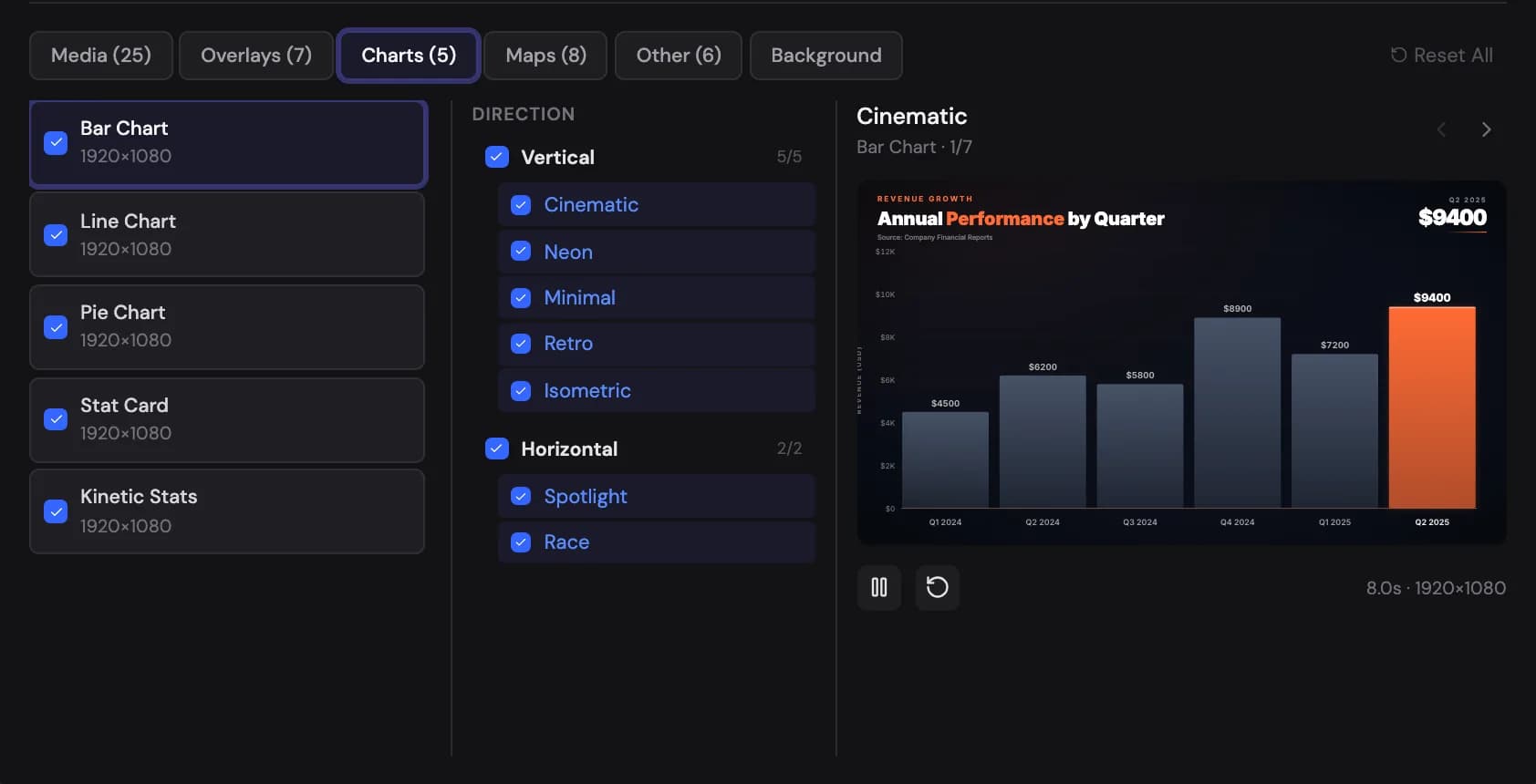
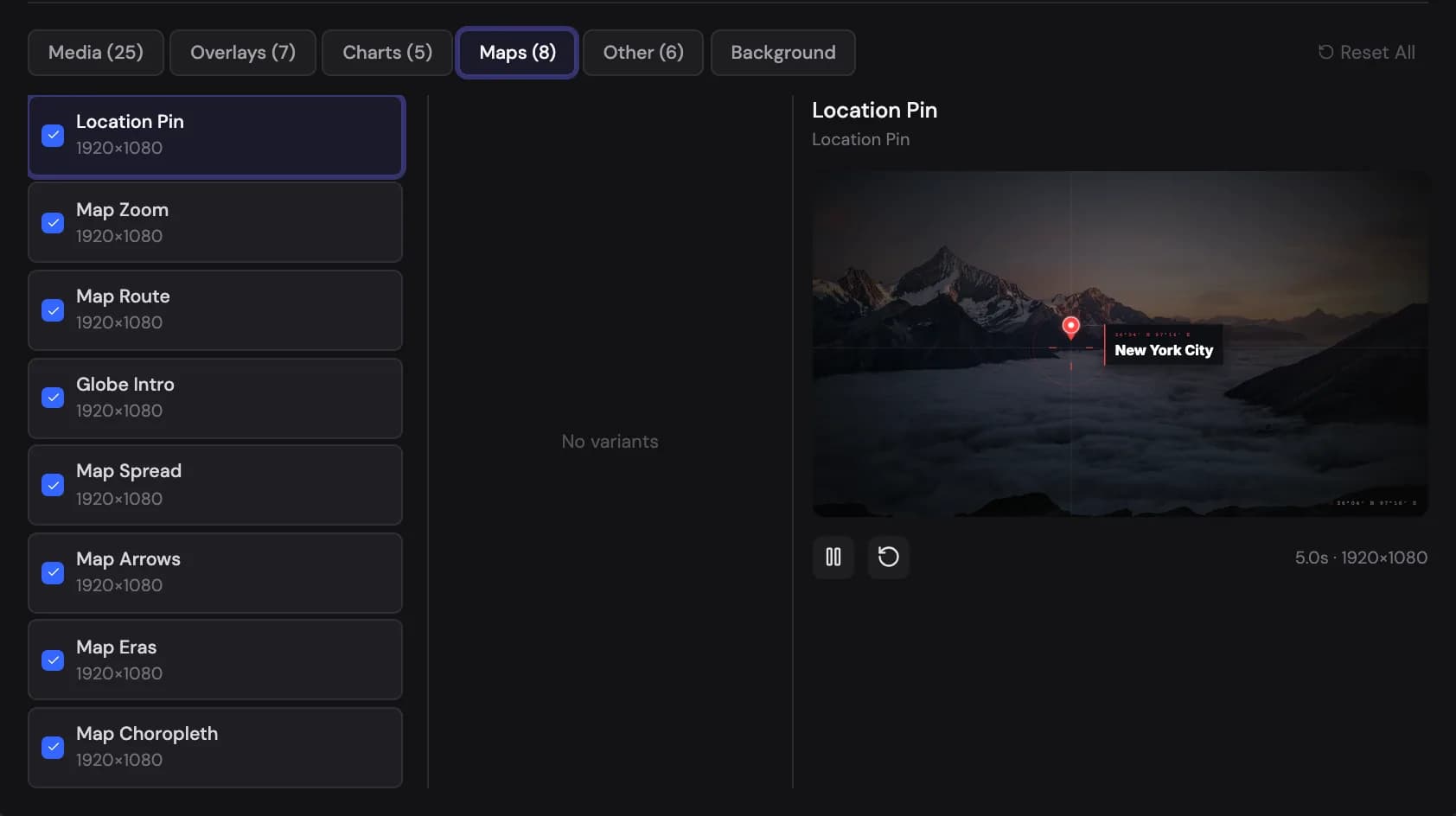
The design library Show me in the app ↗ collects every visual template: media scene designs (Polaroid, Documentary, Evidence, VS Comparison, Device Frame, Before/After, and many more), image motion (Ken Burns, zooms, pans, parallax), quote cards, stat cards, chart styles, and map templates. Multi-select is supported everywhere — picking several designs Show me in the app ↗ cycles through them across the video for variety.
More coming soon
This page will grow with visual examples of each caption style and template. For the one-click coherent looks, see Style packs.