DocsCreating videos
Narration voices
Choosing, previewing, and tuning the voice that carries your video.
Narration typically covers most of a video's runtime, so the voice matters more than any other single setting.
Voice providers
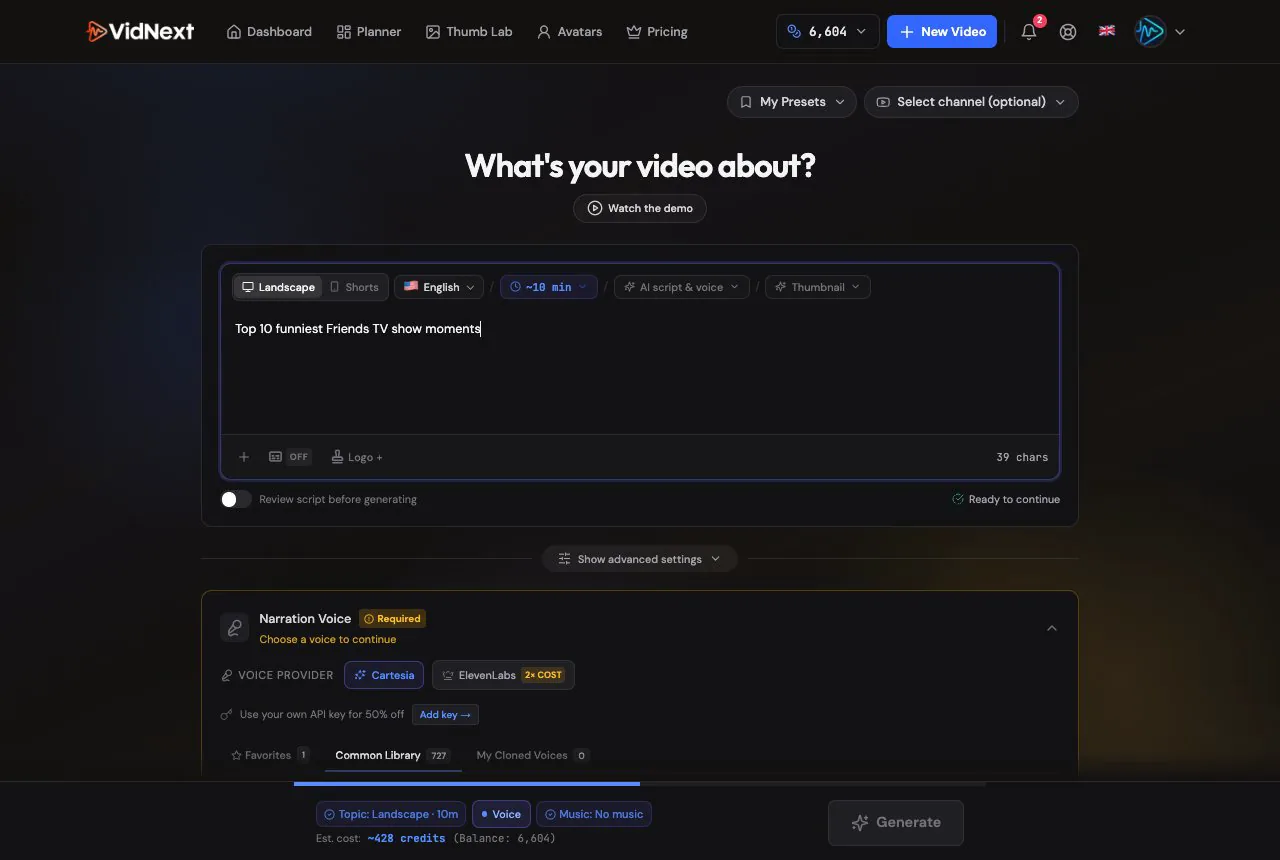
VidNext offers voices from several providers Show me in the app ↗, each with different strengths:
| Provider | Character |
|---|---|
| ElevenLabs | Premium emotional voices |
| Cartesia | Ultra-fast generation |
| Fish Audio | Expressive, natural voices |
| MiniMax HD | Natural voices |
| Gemini TTS (beta) | LLM-driven performance with audio-tag direction |
Which providers you can pick depends on your account — some are available to admins and testers only. The same list applies on the create page, in an avatar's voice window, for an avatar video's voice and in the editor's voice picker. For non-English videos the list narrows further, to the providers with strong support for the selected language (ElevenLabs and Cartesia). If a voice you chose — from a preset or an avatar, say — cannot narrate this video, it is removed and a notice under the voice list says which one and why; pick another voice. Videos you already made keep their voice.
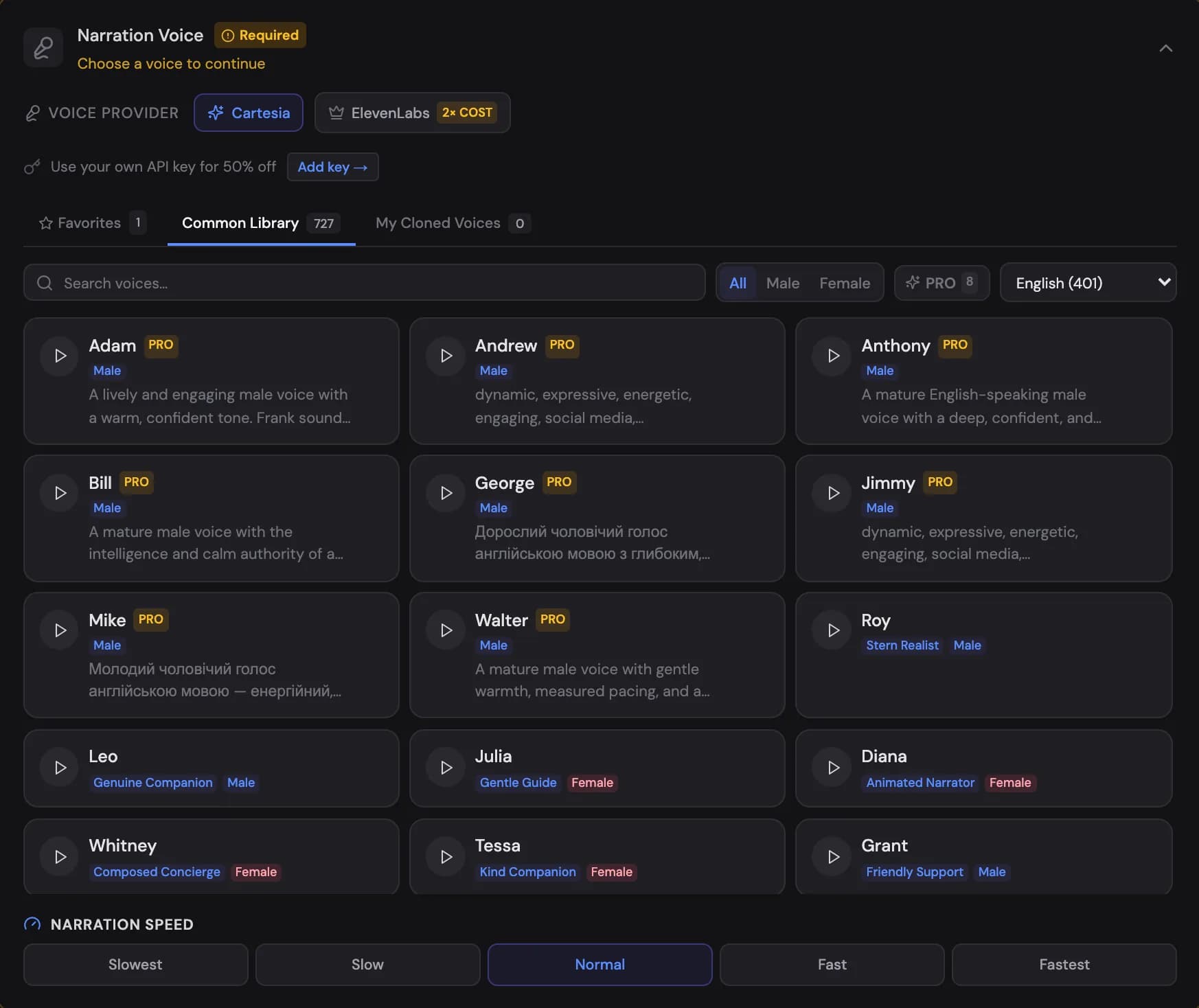
SONA PRO voices
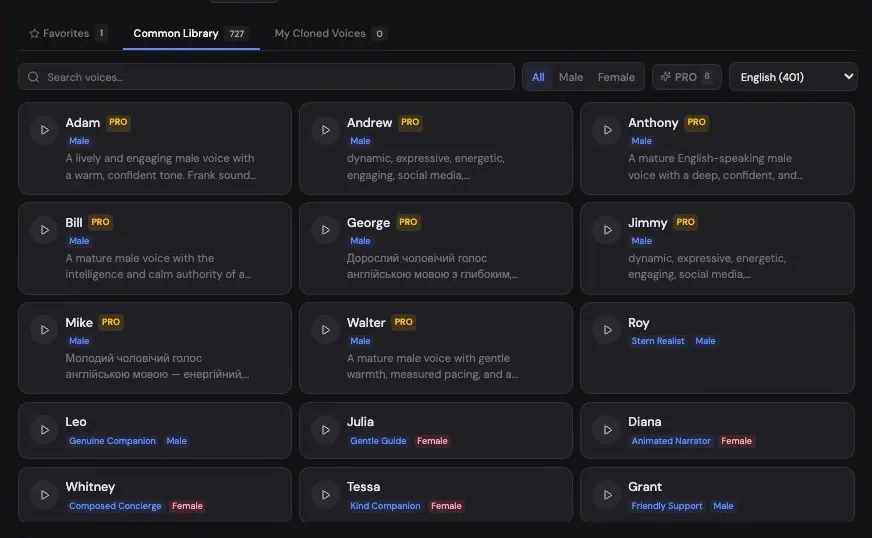
Cartesia's Common Library also includes SONA PRO — a curated collection of premium studio voices, marked with an amber PRO badge and listed first in their language. Use the PRO toggle Show me in the app ↗ next to the Male/Female filter to show only those voices; the count on the toggle tells you how many exist for the selected language. Pressing play on a PRO voice plays its official sample. PRO voices are selected and starred like any other voice and are available wherever the Cartesia picker appears, including the editor's voice modal.
Star any voice to collect it in Favorites Show me in the app ↗ for quick reuse across projects:

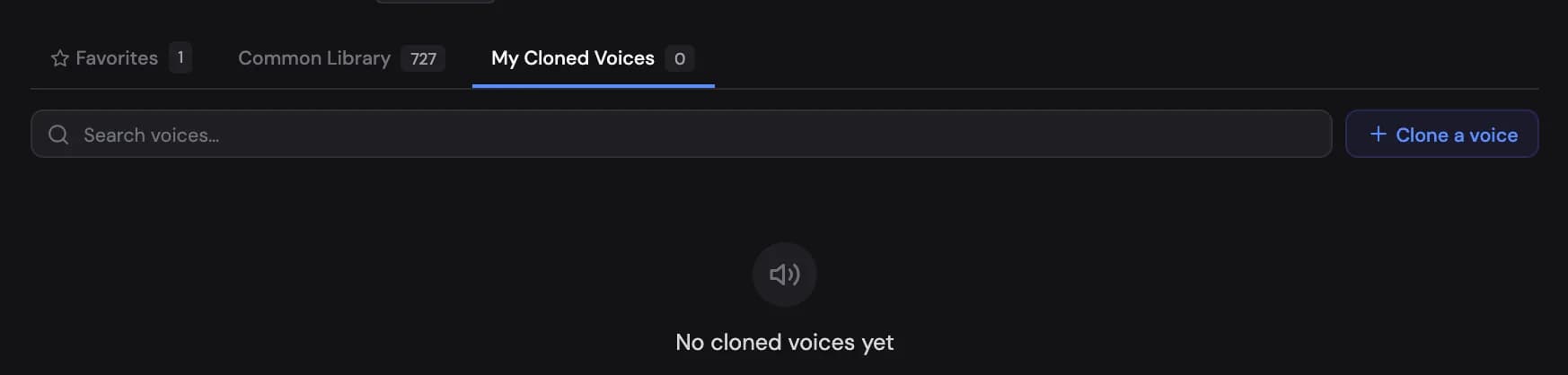
You can also clone a voice Show me in the app ↗ from about 10 seconds of clear speech — useful for keeping the same host across every video on a channel:
Previewing voices
Never commit to a voice unheard. Select one in the voice picker Show me in the app ↗ and generate a test clip using one of four preset snippets — Hook, Statistics, Emotional, High energy — or paste your own line. The presets are designed to expose how a voice handles the moments that matter: openings, numbers, emotional beats, and hype.
Voice tests are free or nearly free (Gemini TTS shows a small per-test credit charge after your free tests run out); failed generations are never charged.
Speed and pacing
Narration speed Show me in the app ↗ is adjustable — Slowest, Slow, Normal, Fast, Fastest. VidNext also calibrates timing to the actual voice: scene durations follow the real narration audio, not an assumed reading speed, so pacing stays natural at any setting.

How the script is read
Before the voice speaks, your script is prepared for speech: numbers and money amounts are said in words, dotted abbreviations like "U.S." are read without pauses, and words written in capitals — a shouted hook like "IS RUSSIA TESTING THE BALTICS BEFORE SOMETHING BIGGER?" — are read as normal words instead of being spelled out letter by letter, while real acronyms like NATO or FBI keep their usual reading. ElevenLabs voices also give a word in capitals extra stress. Captions and all on-screen text keep your script exactly as written.
Using your own API key
If you have your own ElevenLabs, Fish Audio, or Cartesia account, connect your API key Show me in the app ↗ in settings:
- A lower price per minute for videos narrated with your key — 10% off (15% with ElevenLabs), only when your key is actually used (the create page's price details show it)
- Access to your own cloned voices
- Usage runs against your own provider quota
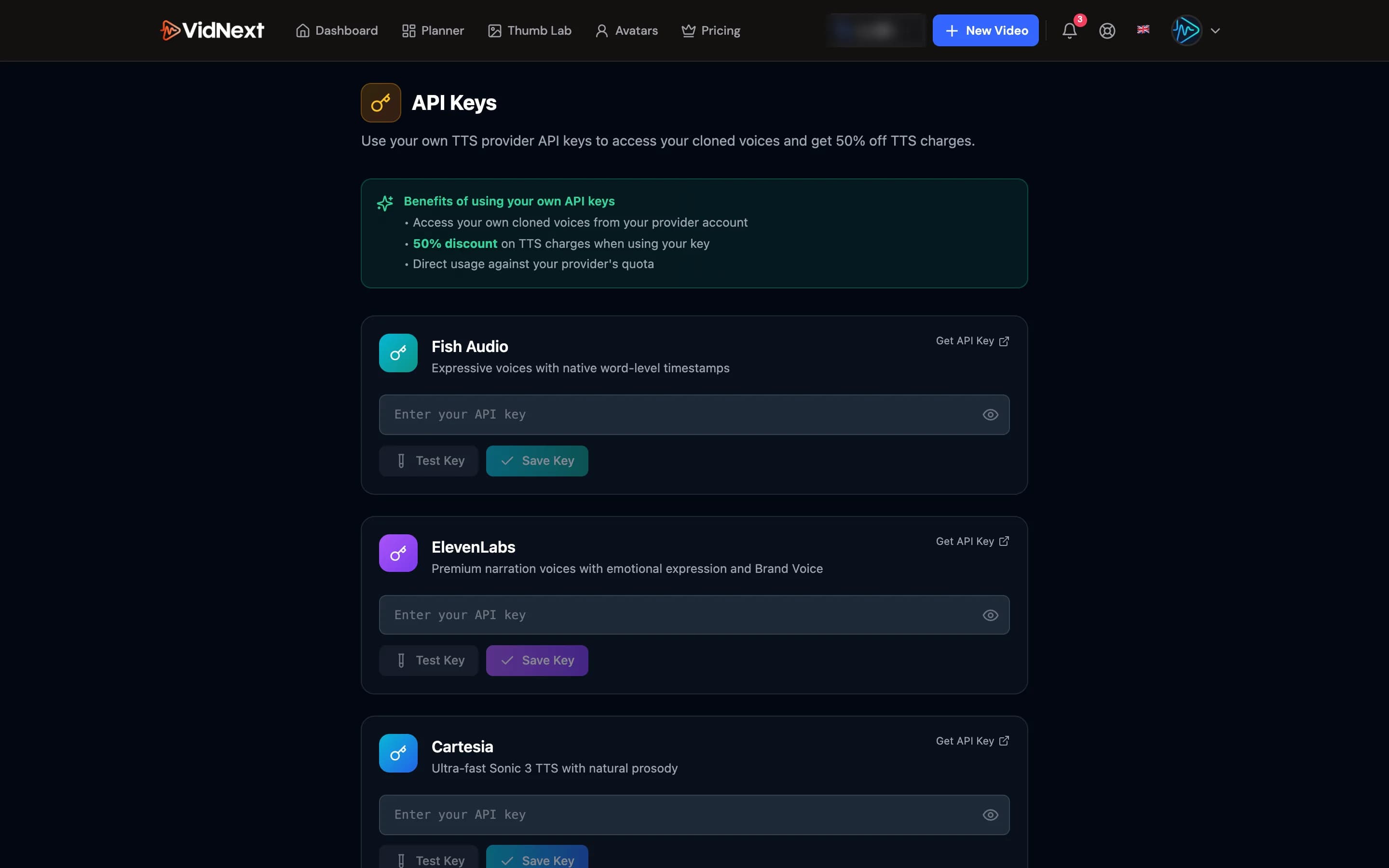
A My key switch Show me in the app ↗ appears on the voice section; when it is on and the voice can use your key, a chip shows what the key takes off the price — −10% price, or −15% price with ElevenLabs. The discount applies only when your key is actually used for the video — and it also applies when a voice that lives only in your own ElevenLabs account narrates with your key although the switch was off.
On a team, your team owner can share their voices and keys with you. Their cloned and favourite voices then appear in Team groups in the voice picker. When they share API keys and you have no key of your own for that provider, the switch reads Team key: your narration uses their key and gets the same lower price per minute. If you add a key of your own, yours is used instead. See Teams.
Uploading your own narration
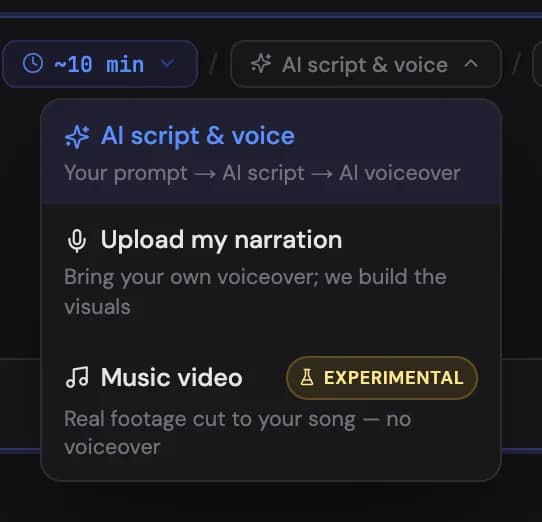
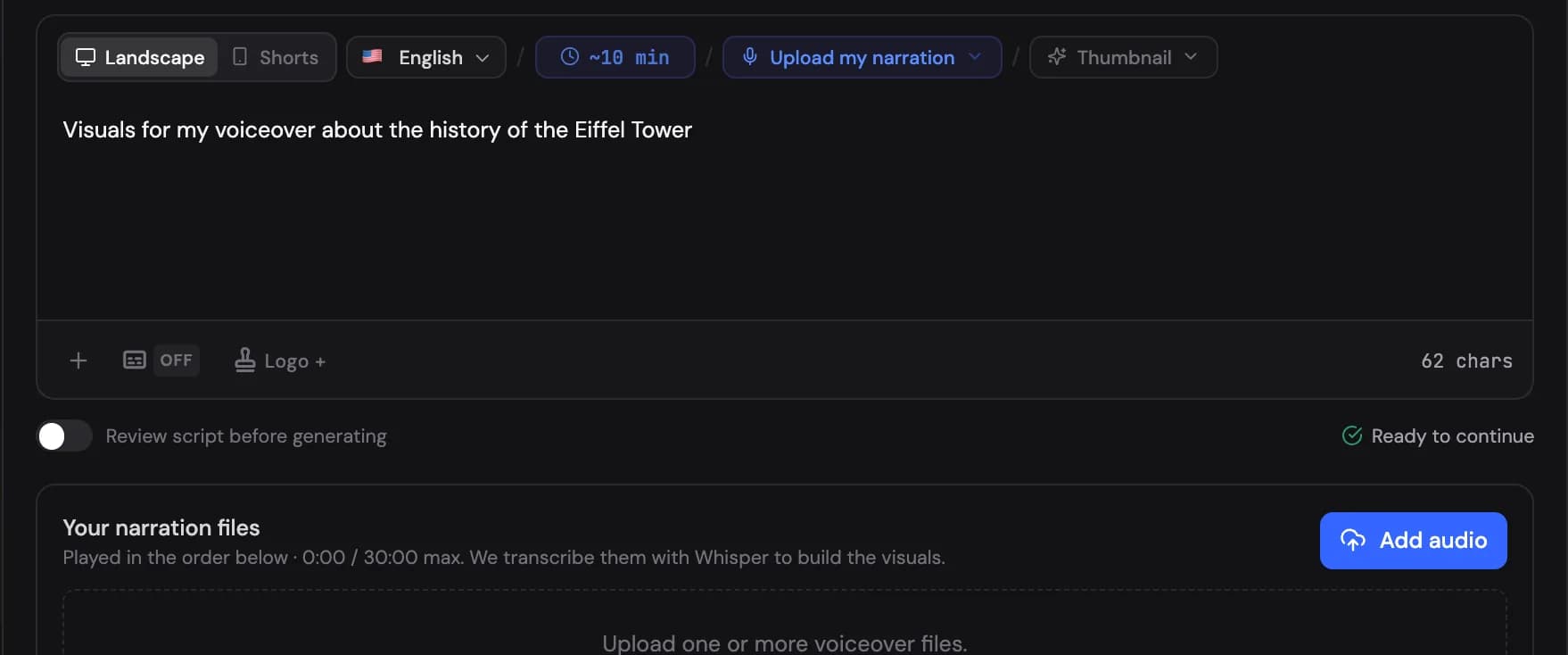
Skip TTS entirely by choosing Upload my narration as the narration source Show me in the app ↗. Bring your own voiceover with Add audio Show me in the app ↗ (up to 30 minutes total, multiple files allowed) and VidNext builds the visuals around it. There's also an experimental Music video mode: upload a song Show me in the app ↗ and the track becomes the full audio, with visuals cut to it — note there is no voiceover in that mode, so text in the prompt only guides the visuals. If your prompt looks like a narration script, VidNext warns you before starting and offers to switch to a narrated video (keeping your track as background music). The reverse is covered too: if the file you upload as narration sounds like a music track, VidNext points it out next to the file and offers to switch to Music video mode with the file kept — you can always keep your choice. And because both upload modes build the video from real footage, a prompt that asks for generated footage (animation, invented characters, camera directions) gets the same Brief check as a text-to-video prompt does in the AI-script mode.
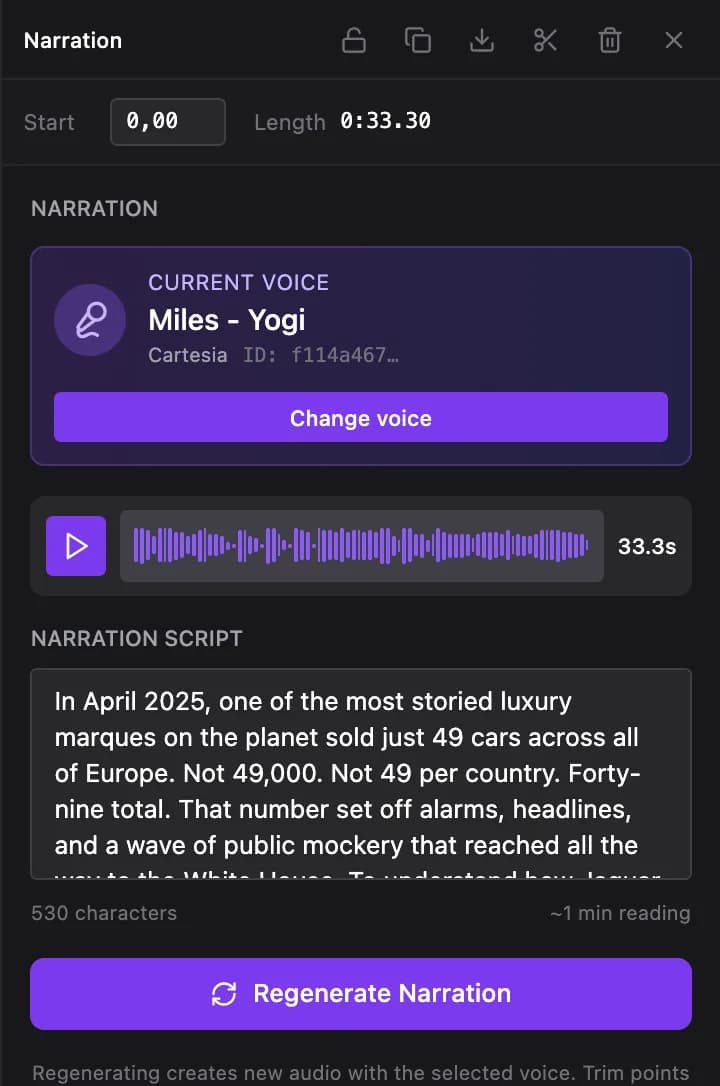
Changed your mind after generation? Any narration segment can be given a different voice Show me in the app ↗ and regenerated from the editor — no need to redo the whole video.