DocsEditor
Thumbnails (Thumb Lab)
Generate click-worthy thumbnails from a brief, a project, or a competitor reference.
Thumb Lab (in the top navigation) Show me in the app ↗ generates thumbnail variants from a short brief — standalone, or connected to one of your projects. Each variant costs a few credits (the exact price is shown next to the generate button Show me in the app ↗); failed generations aren't charged. If your balance can't cover a run, Thumb Lab says so before it starts — the credits it needs and the credits you have — and generates nothing until you top up.
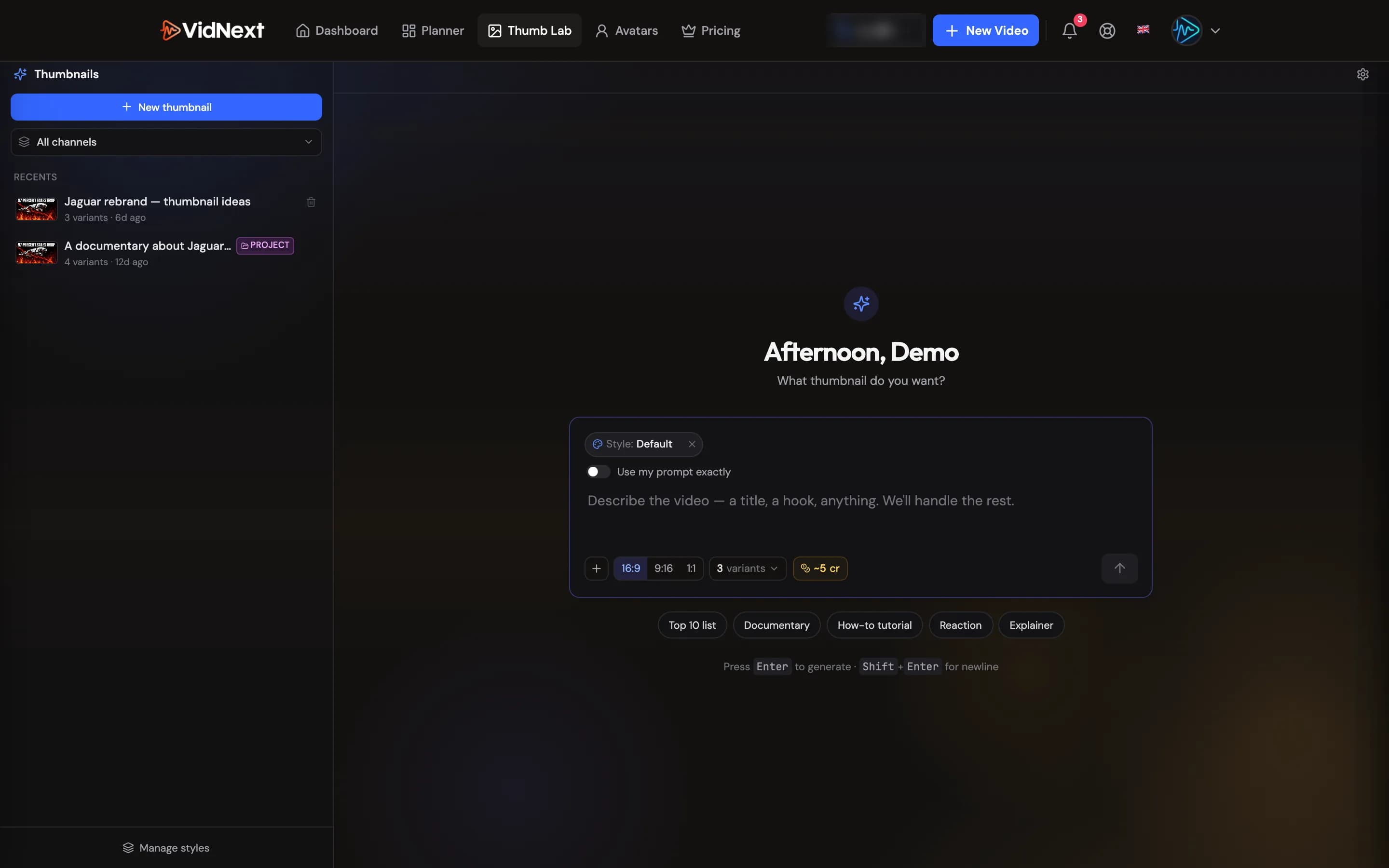
The composer
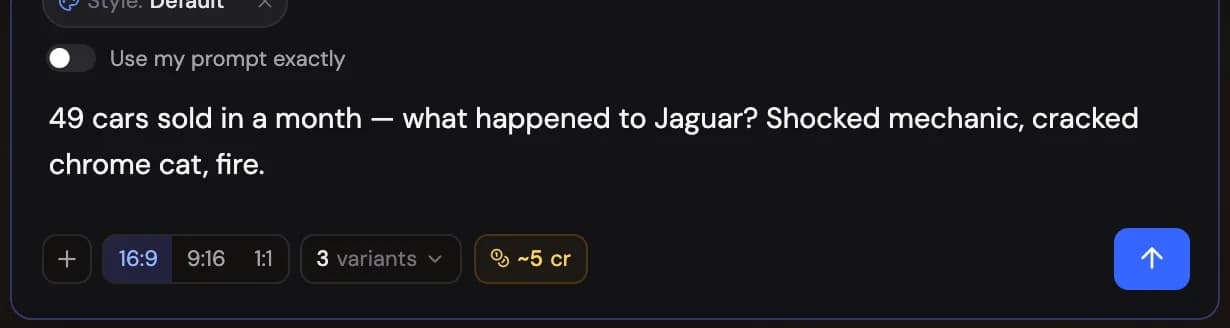
Describe what the thumbnail should communicate Show me in the app ↗, pick an aspect ratio (16:9, 9:16, or 1:1) and how many variants to generate, and go. Style chips (Top 10 list, Documentary, How-to tutorial, Reaction, Explainer) prime the look; "Use my prompt exactly" Show me in the app ↗ makes Thumb Lab follow your wording verbatim instead of expanding it.
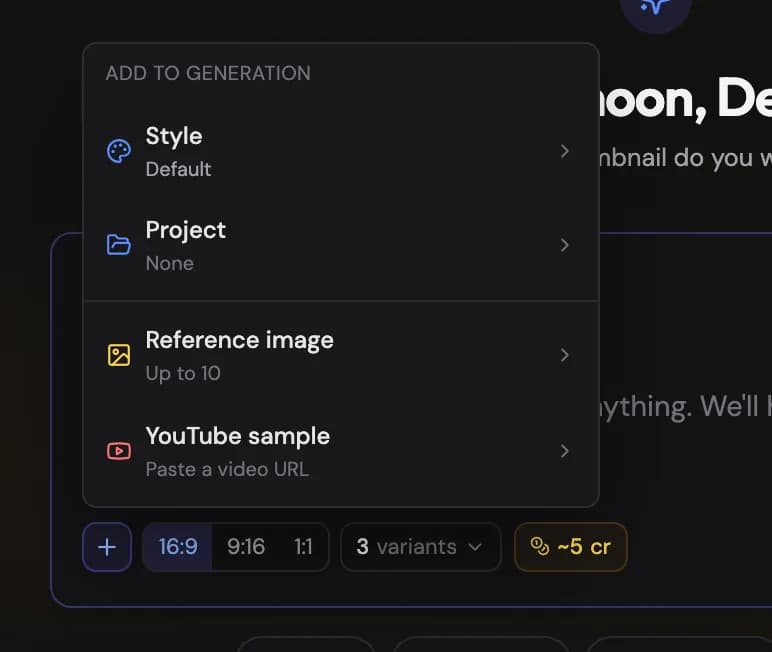
The + menu Show me in the app ↗ attaches context to the generation:
-
Project Show me in the app ↗ — pull the topic and context straight from one of your videos
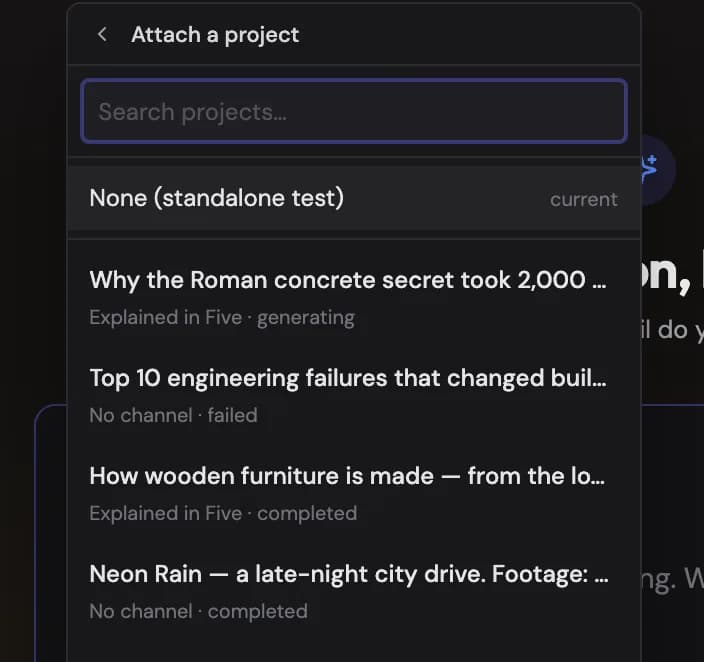
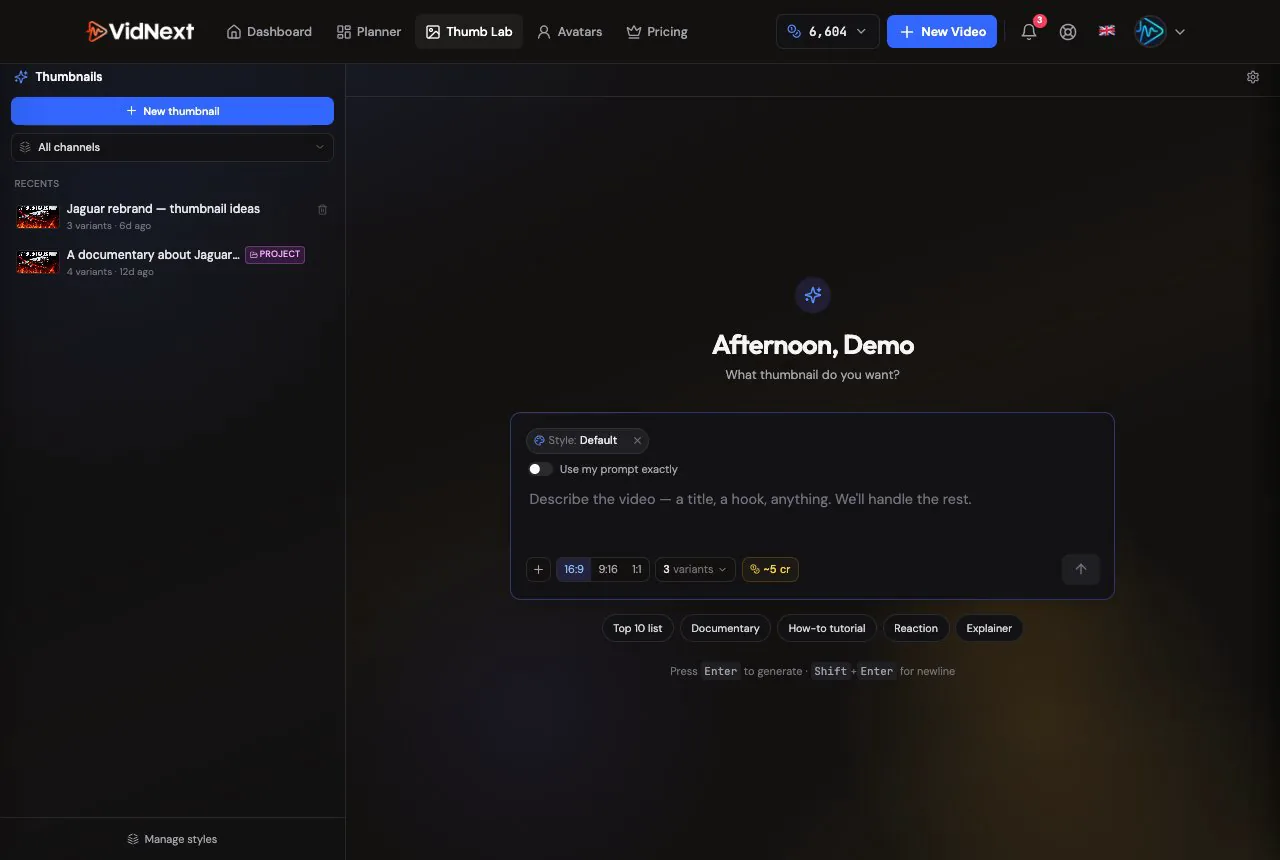
Attaching a project: search your videos and pull the topic from one. -
Reference images — up to 10 of your own images to guide composition
-
YouTube sample — paste any video URL and its thumbnail becomes a visual reference
Generating
Variants generate in parallel, typically 30–180 seconds each, going through researching → drafting → rendering stages.
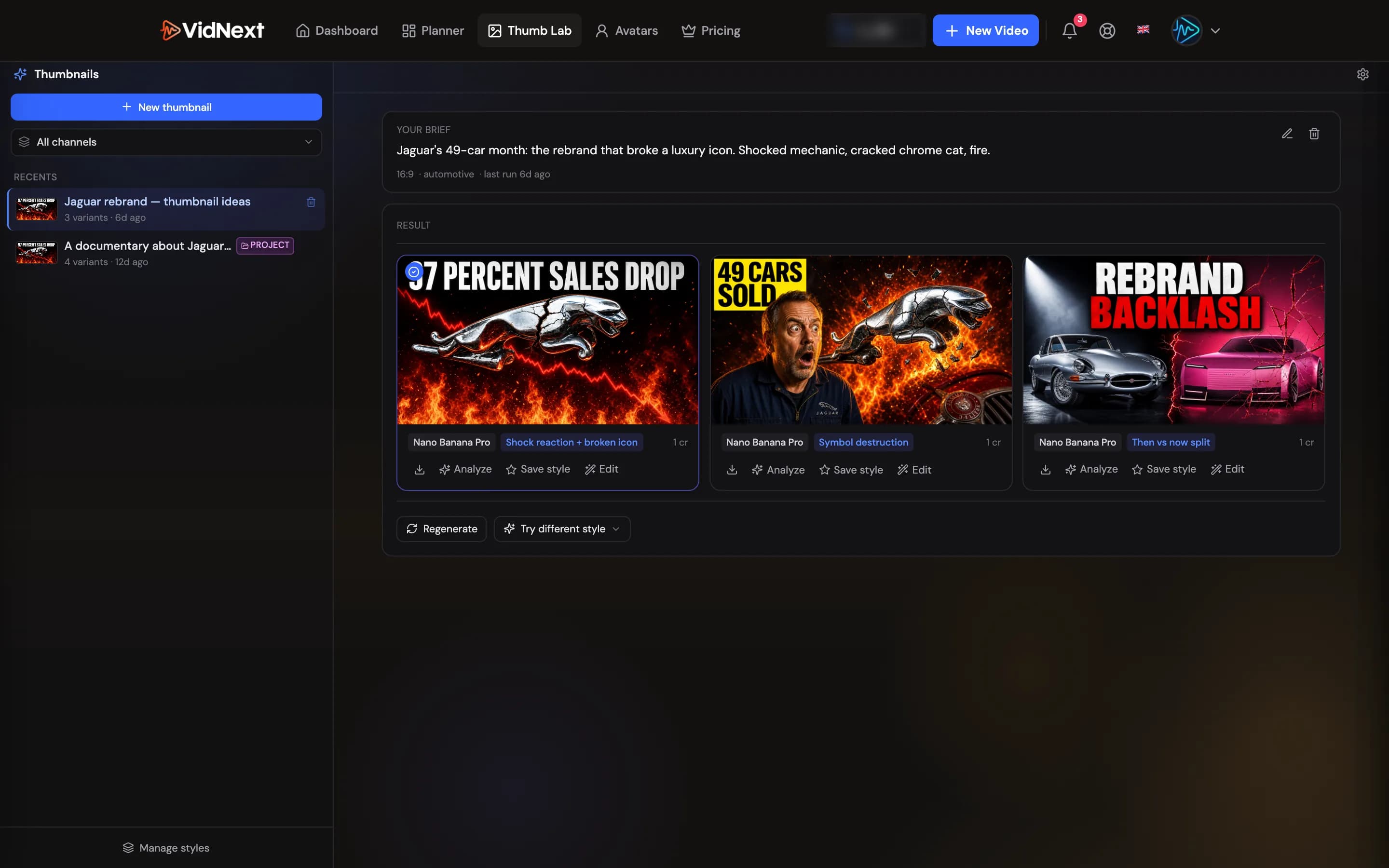
Editing a variant
Any finished variant has an Edit button Show me in the app ↗ — in Thumb Lab and on the project's Thumbnails tab alike. Write what should change in plain words ("make the headline bigger and yellow", "remove the person on the right", "swap the background for a night skyline") and, if the change needs them, attach reference images — a logo, a face, a product shot (the dialog shows how many you can add). Your words go to the image model exactly as written; nothing is added to them.
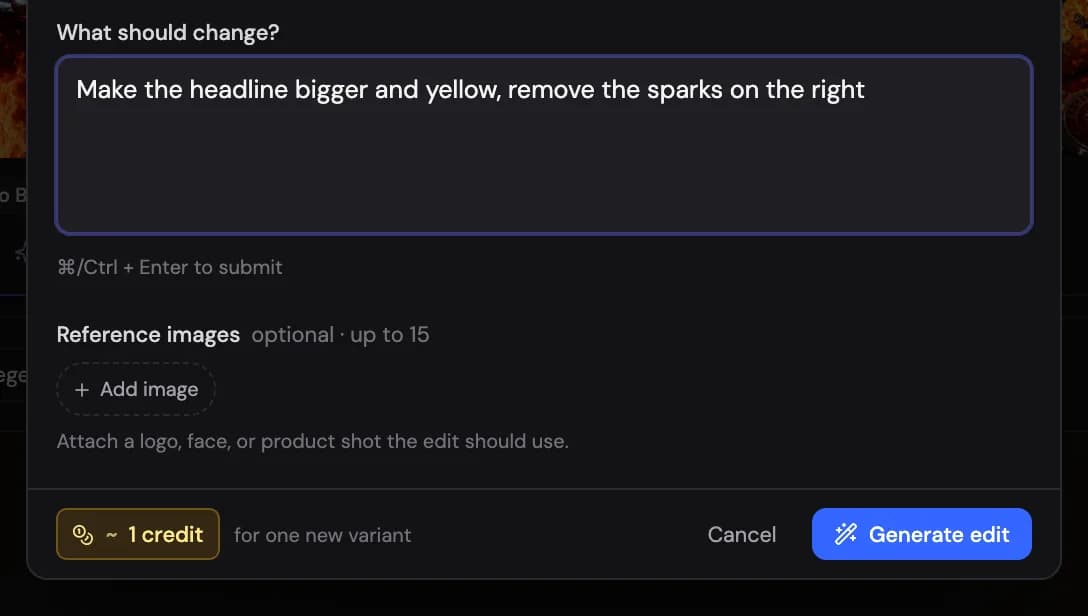
The cost is shown before you confirm and is the same as generating one variant. The result appears as a new variant right next to the original, marked Edit, with all the usual actions — download, analyze, save as a style, or edit it again. The original is never touched, so you can branch several edits off the same image. On the project's Thumbnails tab, Retry Show me in the app ↗ on an edited variant re-runs that same edit.
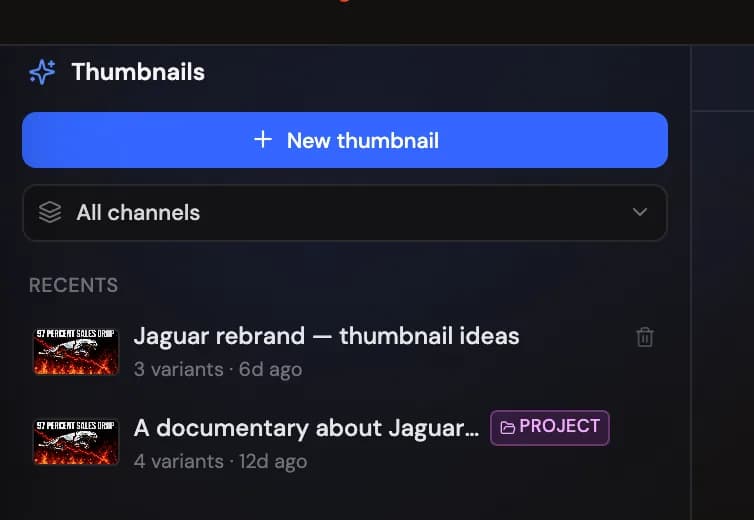
Recent sessions are kept in the Recents panel Show me in the app ↗, so you can reopen and iterate on any brief later. If you have channels in the Channel Planner, a channel selector Show me in the app ↗ sits at the top of Recents: pick a channel to see only the thumbnails made for it, or All channels for everything. While a channel is selected, new thumbnails you create are saved to it (the composer shows the channel as a chip you can clear). The choice is remembered on this device.
Reusable styles
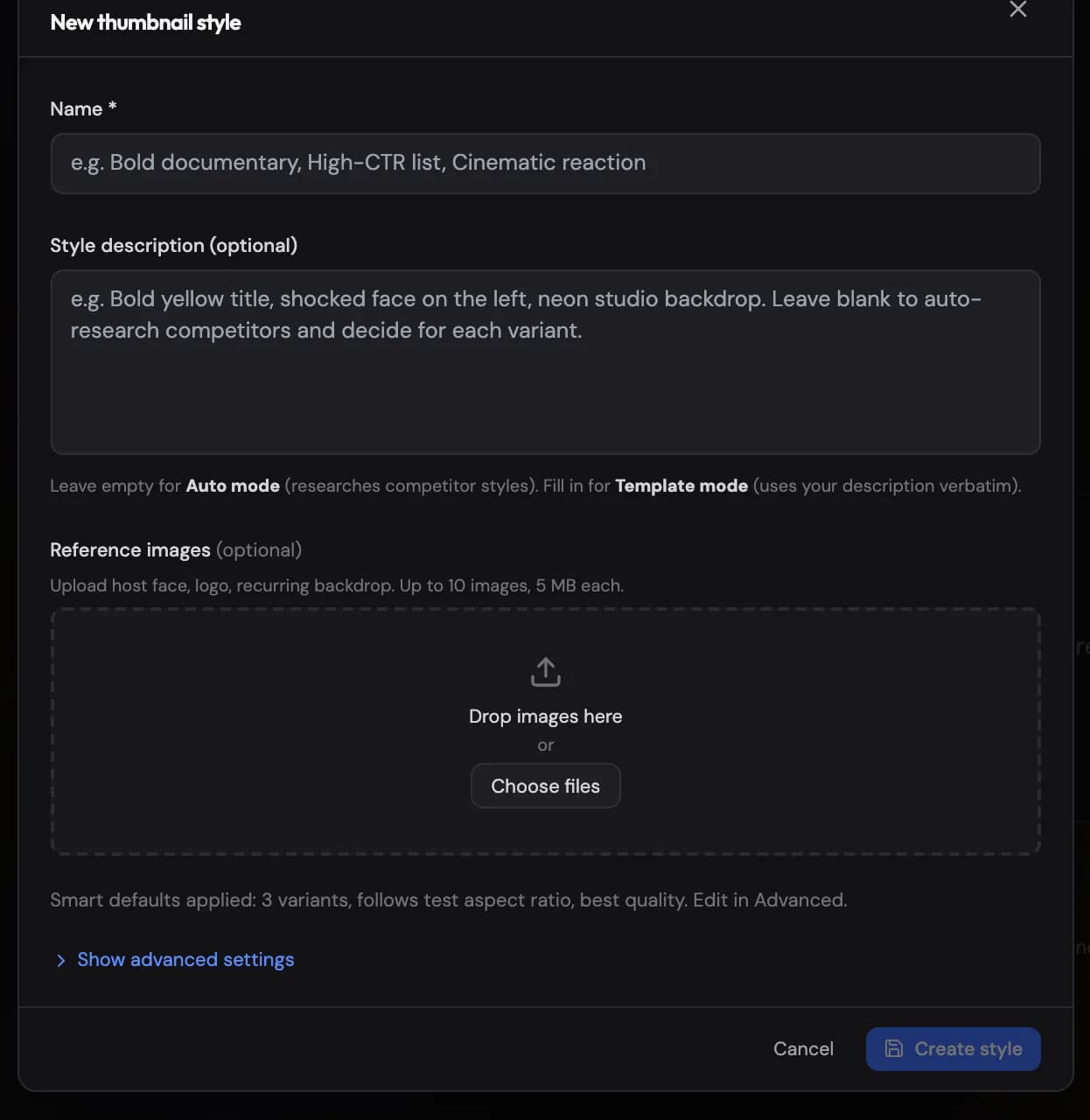
Save a style once and reuse it across your channel: leave the description Show me in the app ↗ blank for Auto mode (researches competitors for the topic) or write it out for Template mode (follows your description verbatim), optionally with reference images.
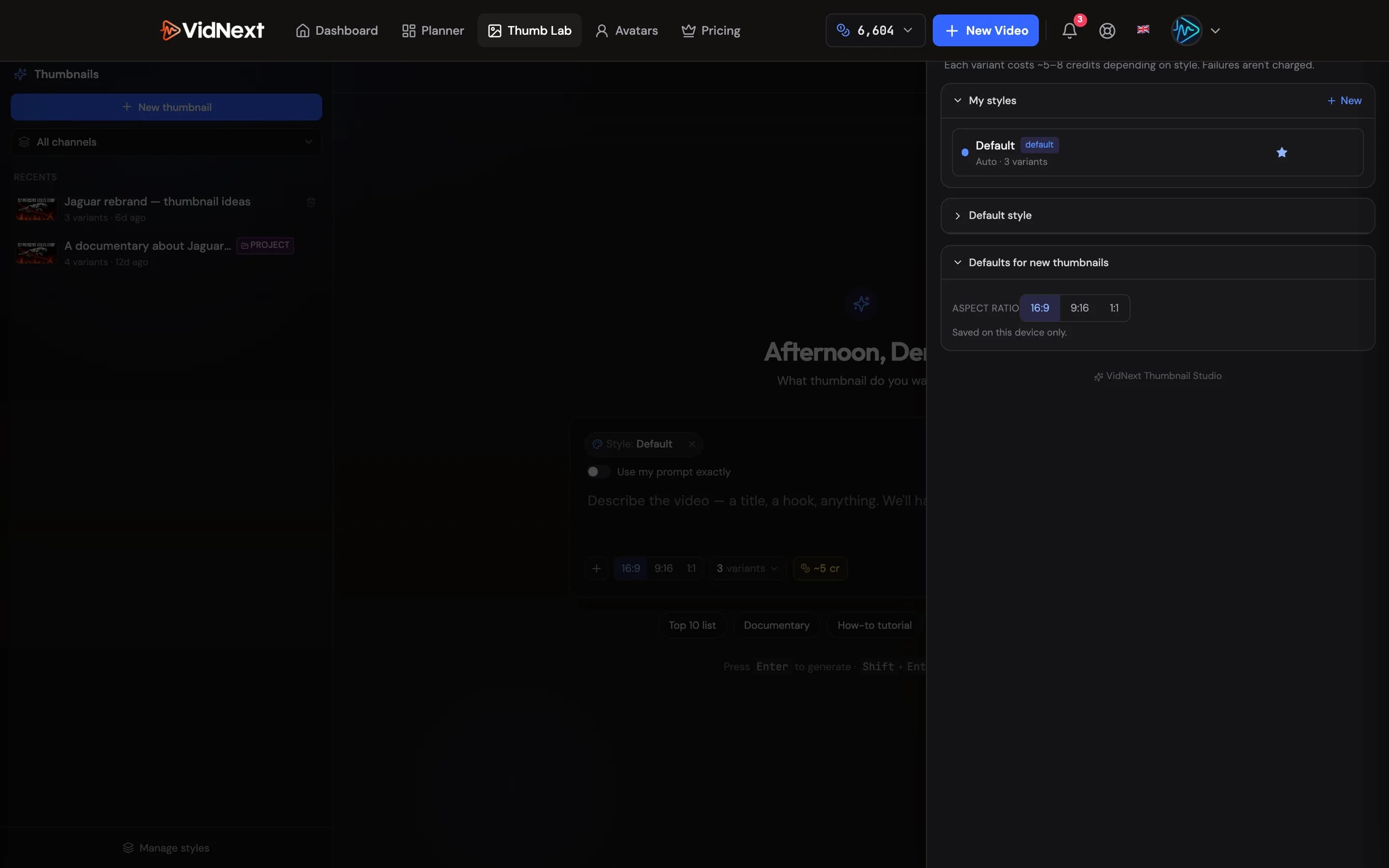
If your team owner shares presets, open Settings Show me in the app ↗ in Thumb Lab: their styles are listed under Team styles. Use one as it is, or Copy to my styles to change it or make it your default. Team styles can be picked on the create page too, where they keep their owner's number of variants (see Teams).
From a project
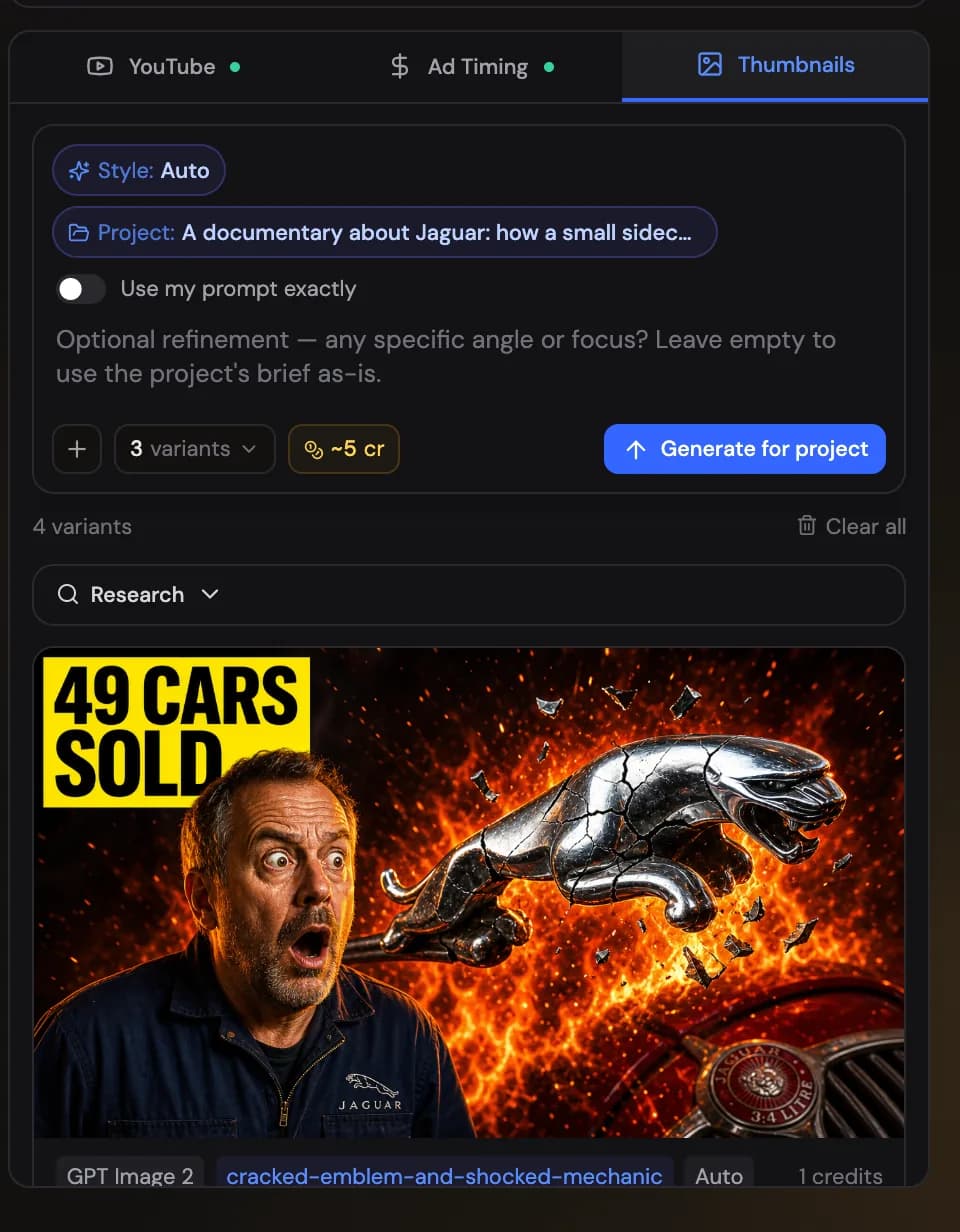
You don't have to leave your project: the Thumbnails tab Show me in the app ↗ on the project page generates variants from the project brief directly, and the create page can queue thumbnail generation Show me in the app ↗ for every new video with your chosen style.
The tab's composer takes the same inputs as Thumb Lab: an optional instruction, your own reference images, and — once you've written an instruction — the "Use my prompt exactly" switch to send it to the image model verbatim. With references attached, a second switch controls whether extra web references are also pulled in.
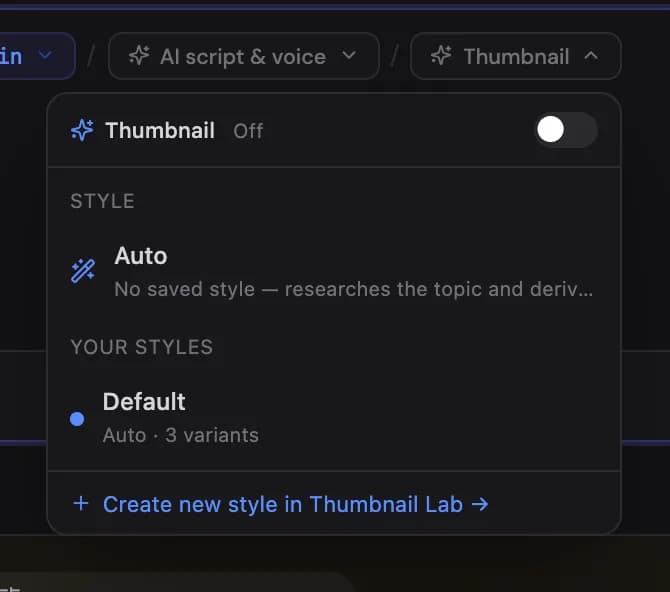
The create page's thumbnail popover takes the same inputs up front: a custom instruction Show me in the app ↗ (for example the exact headline text you want on the image), up to 3 reference images to anchor the person or layout, and the "Use my prompt exactly" switch. Whatever you set there is used when the thumbnails generate automatically with the video. A preset saves this setup too, so videos made from it — also from the Channel Planner and Autopilot — get the same thumbnails. If the style a preset picked no longer exists, the button says Pick a style… in amber.
Headlines follow the video's output language automatically — a Ukrainian video gets Ukrainian thumbnail text without asking. Exact headline wording in your instruction is always used verbatim, in the language you wrote it.
Each variant on the tab also has Retry, which re-rolls just that one image with the same style and the same reference images you attached when you generated it — so a retry gives you another take on the same idea, not a different one. The new image replaces the old one in place, and the original is kept if the retry fails.
The tab's variants have the same Edit action as Thumb Lab — describe the change, optionally attach references, and the result lands below the original as a new variant. The same works the other way round: when you open a project from Thumb Lab's Recents, each variant there has a Use in project button Show me in the app ↗ that makes it the project's thumbnail (the card shows Final pick once chosen).
At the top of that Thumb Lab project view, Your brief Show me in the app ↗ shows the instruction you last wrote for the project's thumbnails — in Thumb Lab, on the Thumbnails tab or on the create page. If you haven't written one, the video's prompt is shown instead.
In that Thumb Lab project view, Generate more Show me in the app ↗ opens a dialog prefilled with the latest variant's recipe — its final prompt and the reference images it was made with. Keep the prompt (with Use my prompt exactly on) to get more variants like it, tweak it, or clear it to let the AI research fresh concepts; add or remove references, pick how many variants (1–5), and the estimated cost updates before you confirm. Generating from the prefilled recipe keeps your brief; a prompt you write there becomes the new one.
Once a project has thumbnails, its card on the dashboard uses one as the cover instead of a frame from the video. Hit Mark as final Show me in the app ↗ on the variant you want and that one is used; otherwise the first variant is. On desktop, hovering the card still previews the video underneath.
The YouTube kit's selected title feeds thumbnail generation — pick your title first and the thumbnails will match its promise.