DocsGetting started
What is VidNext?
An automated video production studio that turns a text prompt into a publish-ready video.
VidNext is an automated video production platform. You describe the video you want in plain text — VidNext researches the topic, writes the script, finds and edits footage, generates narration, adds music, captions, and motion design, and renders a finished video you can publish on YouTube, TikTok, or anywhere else.
There is no editing experience required. If you can describe your video in a sentence, you can make it.
VidNext is not a text-to-video model like Veo or Sora — it doesn't render a shot you describe. It produces a finished, narrated video about a subject, built from real footage, images, infographics and motion design matched to the script. The same applies to Music video mode (experimental): your song is cut to real film scenes and stock footage found for your brief — it can't render animation or invented characters. See Scripts & prompting for what a good prompt looks like.
Core concepts
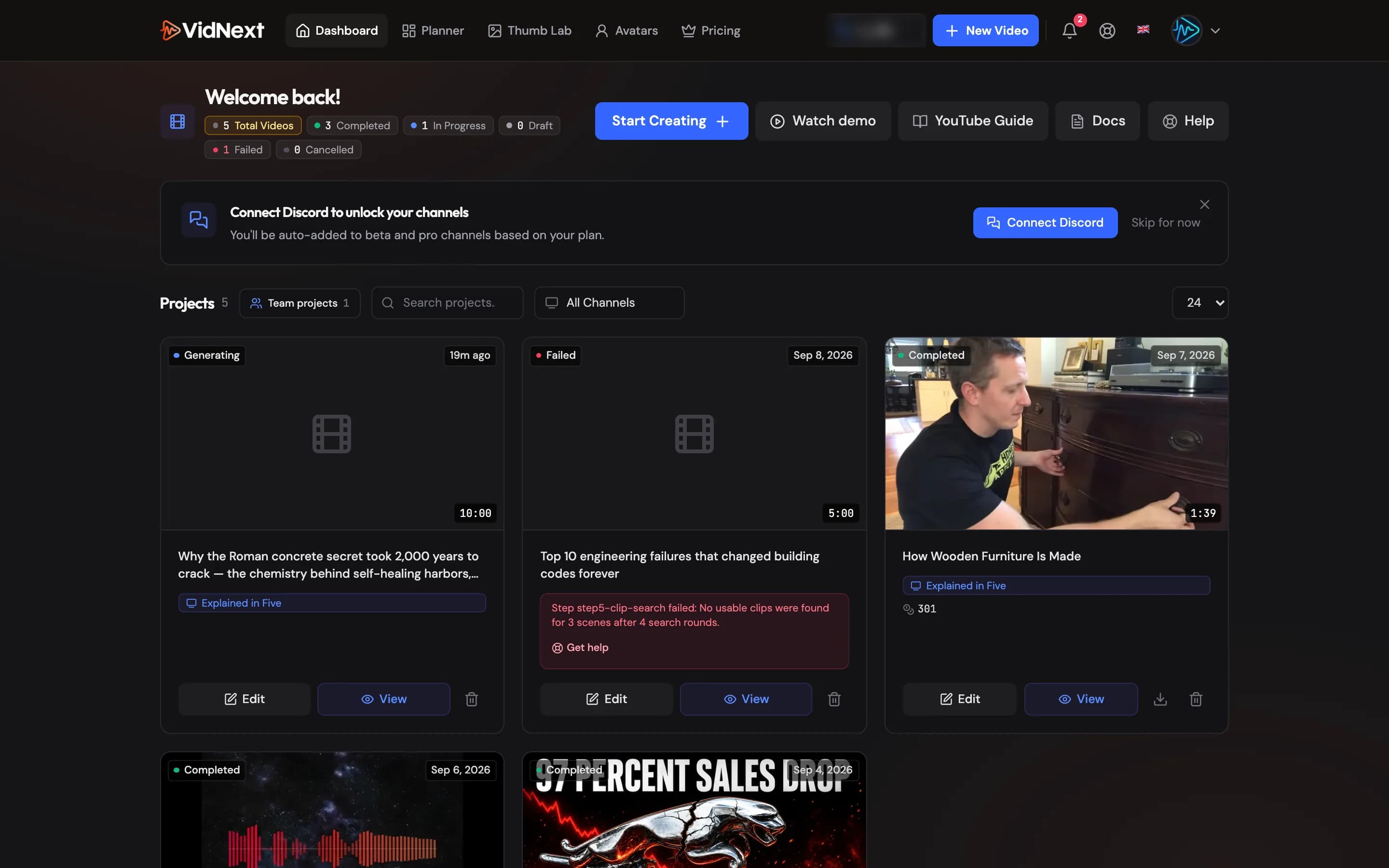
Projects. Every video is a project. A project holds the plan, script, footage, narration, and rendered output. You can revisit a project any time to edit it or re-render it.
Credits. VidNext is credit-based. Plans give you minutes of finished video every month, and a video costs its price per minute × its finished length — 50 credits per finished minute at default settings. See How credits work and Pricing & plans.
The pipeline. Generation runs as a sequence of automated steps: video plan → narration → visual assets (images, infographics, overlays, stock footage) → clip search and download → scene assembly → final render. You can watch each step's progress live, and redo individual steps without starting over. See the pipeline overview.
The editor. After generation, every element of the video — clips, narration, music, captions, overlays — is editable on a multi-track timeline. Re-rendering after edits costs only a small fraction of the original generation cost, and the first export of each video is free. See the editor tour.
What kinds of videos work?
Documentaries, explainers, top-10 rankings, educational content, data-driven stories, product reviews, news explainers, and Shorts. Any topic you can describe in text. Two formats are supported: 16:9 landscape (30 seconds to 30 minutes) and 9:16 vertical for Shorts, TikTok, and Reels (15 seconds to 3 minutes) — all exports in 1080p HD. See Formats.
Two ways to work
- Default mode — just the basics: add a topic, pick a voice and music, and VidNext chooses the best settings for everything else.
- Advanced mode — full control: writing style, scene mix, footage sources, design pack, transitions, sound effects, and more. Open it with the Show advanced settings switch Show me in the app ↗ right below the prompt box. Your choices apply while the settings are shown. Hide advanced settings returns to Default mode: VidNext picks the style, content mix and design again, and the page tells you so.

Ready to try it?
Follow Create your first video for a step-by-step walkthrough.